
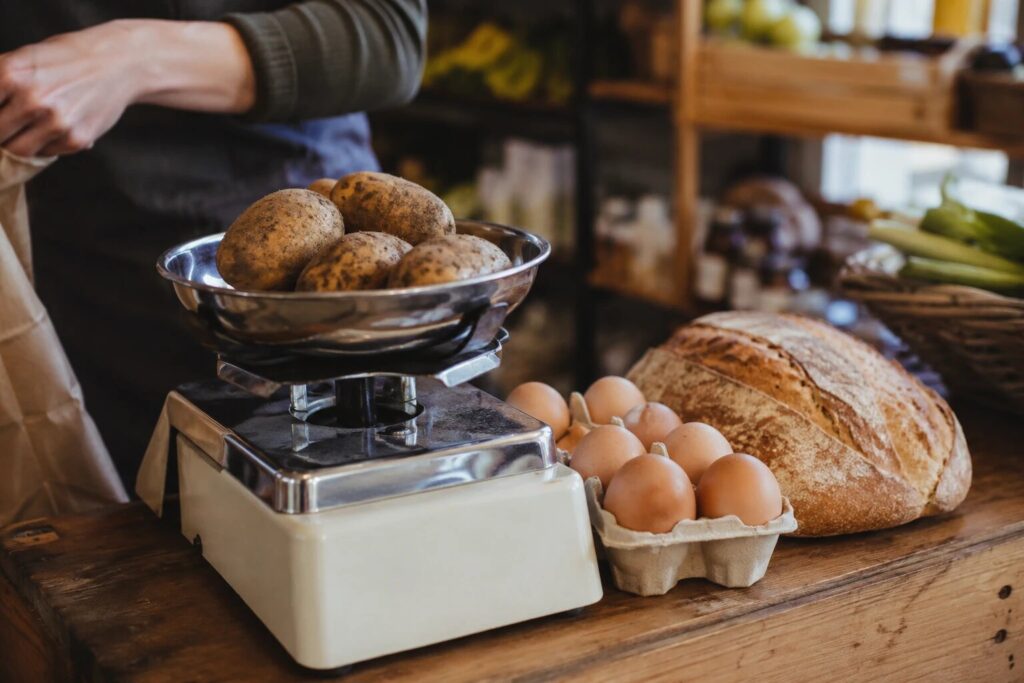
Walk into any butcher, deli, or greengrocer and look at the price tickets. Almost nothing has a price per item. Everything is priced per kilo, per 100g, per half-dozen, per bunch. The till, the scales, and forty years of habit all speak that language fluently. Then the shop tries to sell online, and the software offers one field: “Price”. One price, per one item. Suddenly the mince, the cheese, the coffee beans, and the eggs, the things people most want to order ahead, are the things the website cannot describe.
Most shops respond in one of two ways. They mangle the counter into fake products (“Cheese, small / medium / large”, whatever those mean), or they leave the loose goods offline and take those orders by phone, which brings back every problem online ordering was meant to solve. There is a third way: use a product model that actually speaks in weights, packs, and units. Here is how that works, and how to set it up on WordPress in an afternoon.
The three ways shops really price things
- By unit. A loaf, a pie, a jar of chutney. One thing, one price. The only case most e-commerce software handles natively.
- By pack. Eggs by the half-dozen, sausages in packs of eight, cupcakes by the dozen. A fixed bundle at a fixed price, in multiples.
- By weight. Mince per 500g, cheese per 100g, potatoes per kg. The customer chooses how much; the price follows the quantity.
A real counter sells all three at once, and often all three for the same product: think coffee beans as a 250g bag or loose per 100g. If your online shop cannot do that, the gap between your counter and your website never closes.
Doing it in WordPress
If you run WooCommerce, weight-based and measurement pricing comes from its Measurement Price Calculator extension at roughly $140 a year (fixed packs you can fake with a normal product). We have written a fuller comparison in our guide to a standalone WooCommerce alternative for local pickup, so here is the short version: for a collection-only shop, you can skip the platform and the add-on entirely.
BoxCart, a free plugin built for click and collect, treats quantity types as part of every product, in the free version. Each product carries whatever options fit it:
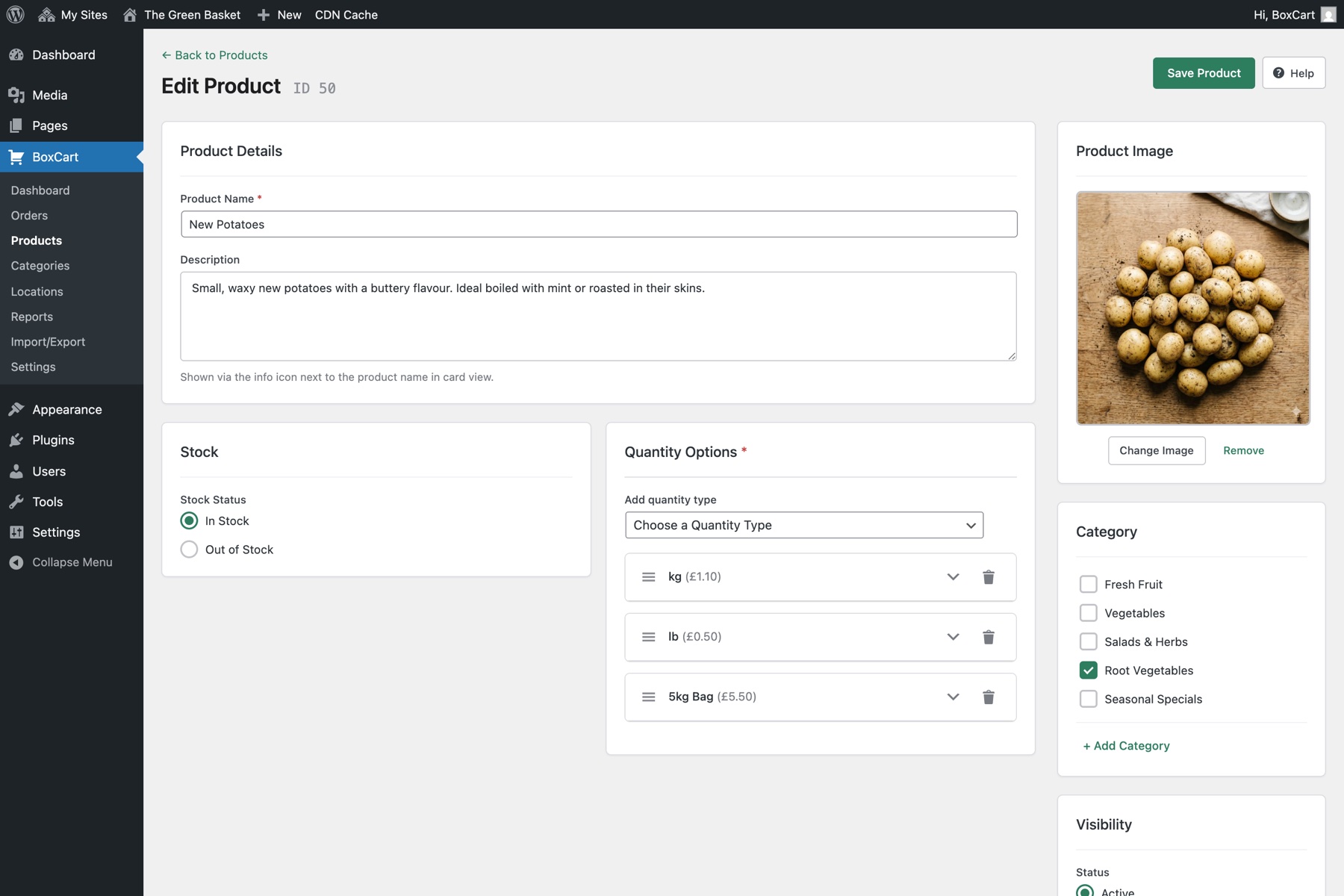
- Weight, with the unit you trade in (grams, kilos, pounds, or ounces), a step size, and a minimum and maximum. Cheese per 100g, stepping 100g at a time, from 200g up. Mince per 500g. Potatoes per kilo up to a 10kg sack.
- Pack, with the sizes you sell: 6 eggs or 12, no strange in-betweens.
- Single, for the loaf and the pie.
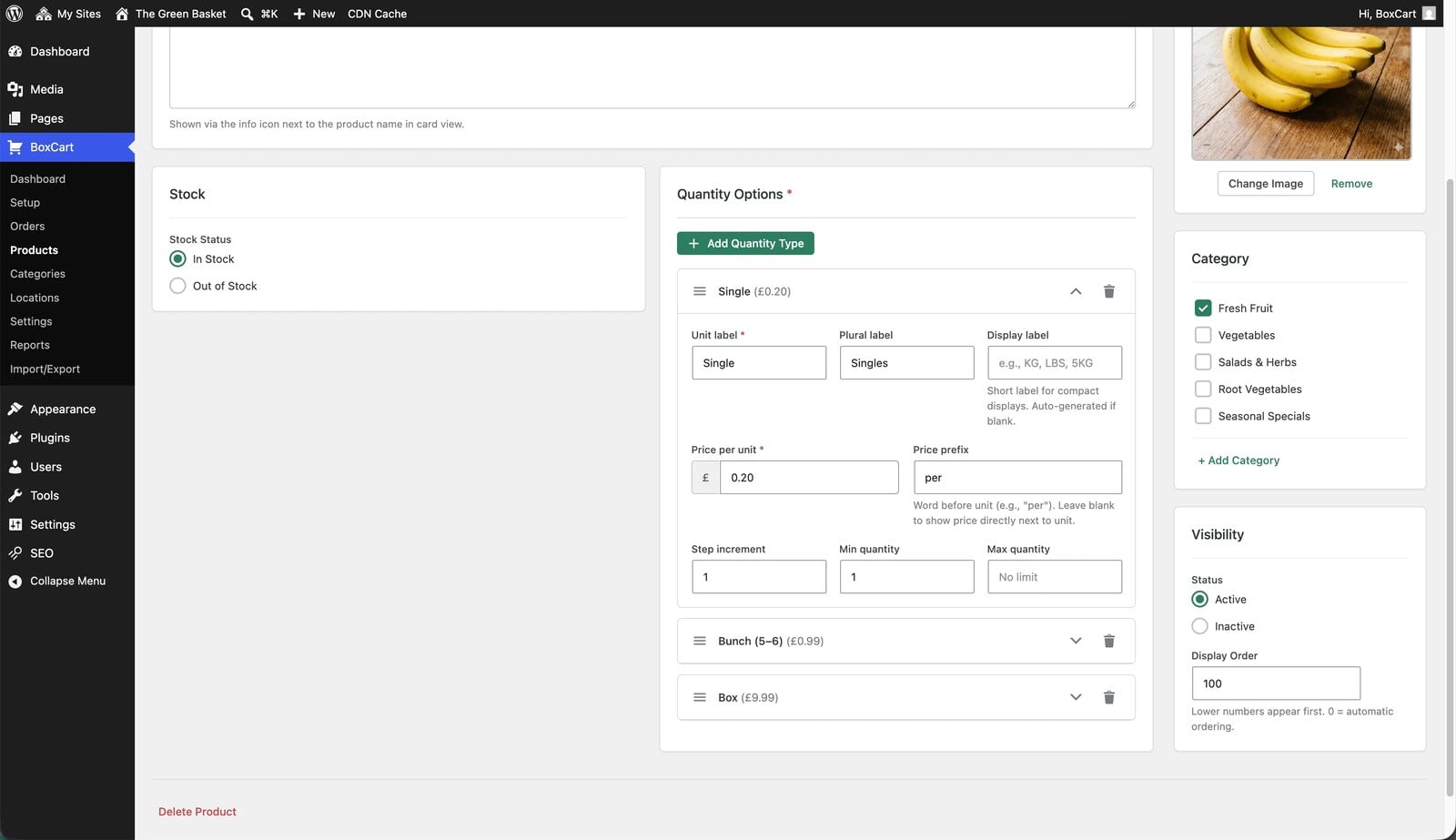
And because one product can carry more than one quantity type, “coffee beans: 250g bag or loose per 100g” is one product, not two. You set this up in the product editor with a few fields; there is no syntax to learn and nothing to code.
What the customer sees
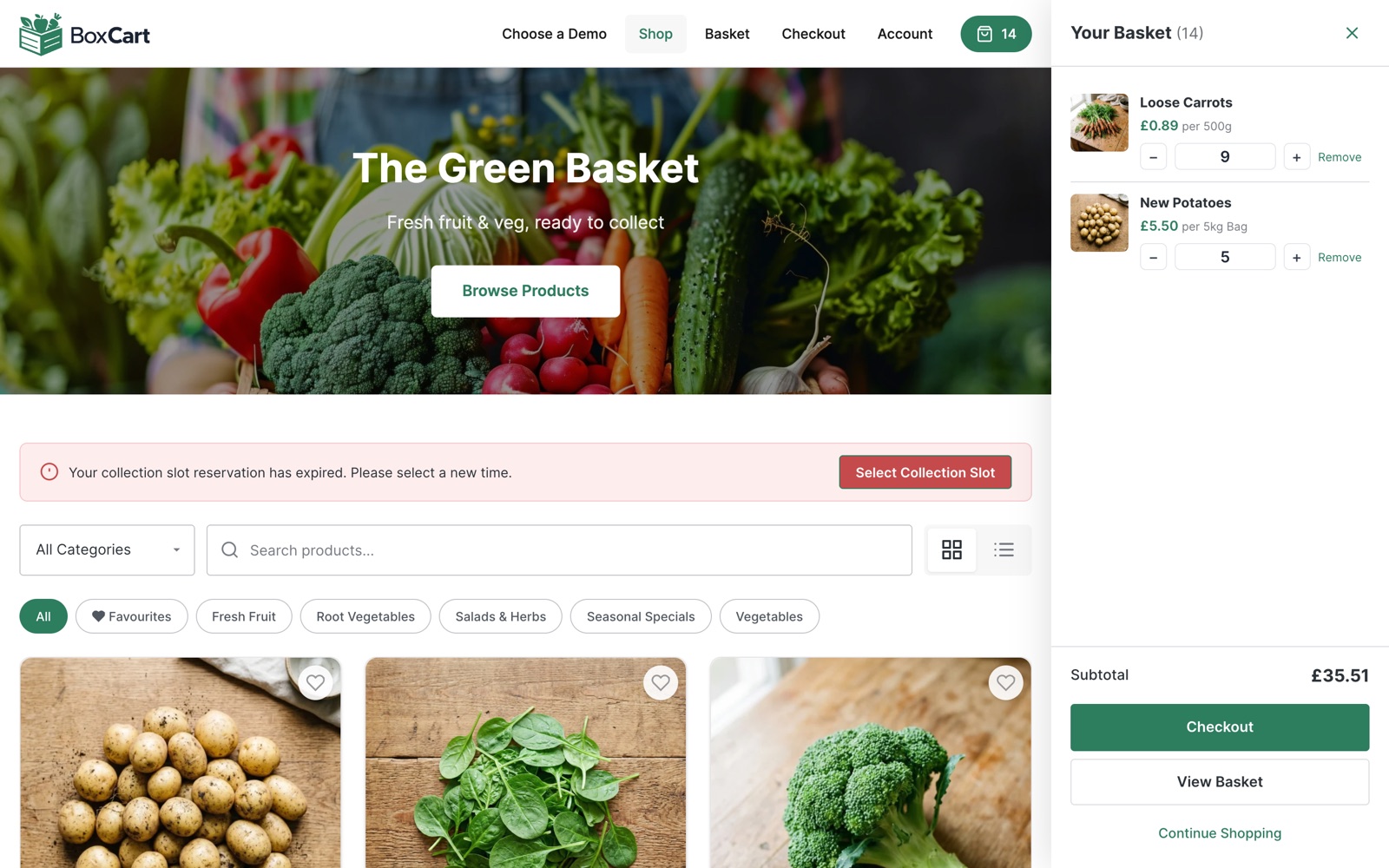
On the storefront, the product card offers the quantities in your steps, priced live as they choose: 300g of the mature cheddar, two dozen eggs, 1.5kg of potatoes. The basket totals it like the till would, the checkout asks when they are collecting, and the order arrives in your dashboard reading exactly like a note you would have taken over the counter, except nobody had to answer a phone and nothing was misheard.
The honest bit: ordered weight versus cut weight
One question deserves a straight answer, because anyone who cuts to order will ask it: what happens when the customer orders 500g and the piece you cut is 480g or 530g?
BoxCart prices the quantity the customer ordered, at your per-unit rate, and that price is fixed at checkout. It does not weigh the final cut and adjust the charge afterwards; almost no online system aimed at small shops truly does, whatever the brochure implies. In practice shops handle the gap the way they always have at the counter:
- Sell in steps you can actually hit. Nobody struggles to cut 500g of mince; steps exist so you are not chasing 483g.
- Cut to the ordered weight or a touch over, and treat the odd few grams as the cost of goodwill, the same rounding kindness the counter has always run on.
- For genuinely variable items (a whole chicken, a joint), sell by the bird or by a stated weight band rather than pretending precision you cannot promise.
Set expectations in the product description (“cut fresh to your order; weights within a few percent”) and this stops being a problem at all. What matters is that the customer could order the amount they actually wanted, in the units they think in.
Questions shops ask before switching this on
Can one order mix all three types? Yes. A basket holding 300g of cheddar, two dozen eggs, and a loaf totals like the till would, and lands with you as one order with one collection time.
What if my per-kilo prices change weekly? Edit the product’s price and the storefront follows instantly; existing orders keep the price they were placed at, which is exactly what you and the customer would expect.
Can I stop tiny orders? That is what the minimum is for. If cutting less than 200g of anything is not worth unwrapping the wheel, set 200g as the floor and the storefront simply will not offer less.
Do customers understand it? They think in these units already; it is fixed-price-per-item websites that made them translate. The card shows your price per unit and steps in your quantities, and the running total updates as they choose, which is all the explanation anyone needs.
Where Pro fits
Everything above is free. BoxCart Pro becomes relevant here in two specific cases. If you supply cafes or restaurants at trade rates, members-only pricing shows signed-in trade customers their own prices on the same products, so the wholesale side stops living in a spreadsheet. And if you are moving a large counter online in one go, CSV import loads the whole product list at once instead of typing it in product by product.
Put your counter online as it actually is
The test of a food shop’s online ordering is simple: can a customer order the thing they would ask for across the counter, in the words and quantities they would use? “Half a dozen eggs, 300g of the smoked cheese, and two white loaves” should be a valid online order, not a phone call. With the free version of BoxCart it is: install it, run the one-click setup, and put your five best sellers online tonight, priced by the kilo, the pack, and the piece. You can poke around our butcher demo shop first to see weight-based ordering from the customer’s side.
Add local pickup to your shop
BoxCart is free on WordPress.org, a complete pickup-ordering store with time slots and no WooCommerce required.
Rather we set it all up for you? Click & Collect Websites builds, hosts and looks after your ordering shop.