A farm shop does not get to choose its stock list. The harvest decides. Strawberries glut in a warm week and are gone in a cold one, the veg boxes change with whatever came out of the ground on Thursday, and the hens do not lay to a forecast. Meanwhile the customers who would happily order a box every week are ringing at milking time, or turning up on the one afternoon the shop is shut, or asking whether you still have the asparagus that finished a fortnight ago. Selling food you grew yourself should be the simple part of farming. The admin around it rarely is.
Online ordering with collection at the gate fixes a surprising amount of that, and it does not need a big e-commerce platform. Generic online shops assume a stable catalogue, national delivery, and a warehouse that does not have lambing season. A farm shop needs almost the opposite: a small, changeable product list, collection days that follow the farm’s actual week, and a way to take orders without anyone standing still to answer a phone. Here is a practical setup that matches how a farm shop really runs.
Build the week around your collection days
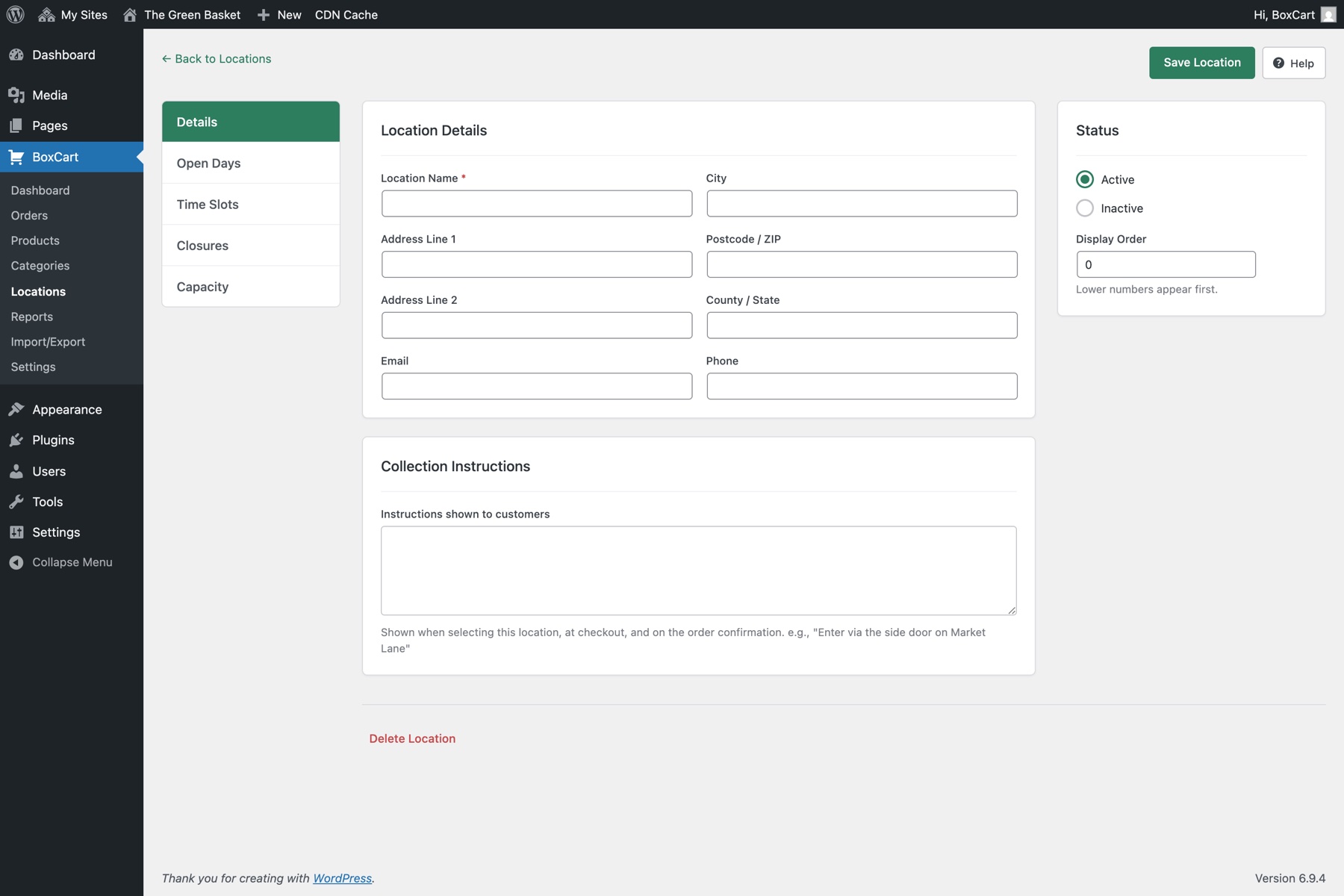
Most farm shops do not want collection seven days a week, and should not offer it. Pick the days that already work (say, Thursday to Saturday, when the boxes are packed and someone is in the shop) and open collection slots only then. In BoxCart, a free WordPress plugin built for collection-only selling, each location has its own open days and slot schedule, so “Thursday, Friday, Saturday, 10am to 4pm, six orders per hour” is a five-minute job to set up, and every other day simply never appears at checkout.
Two settings do the heavy lifting for a farm:
- Lead time. If boxes are packed Wednesday for Thursday collection, a lead time of a day (or two) becomes your automatic cut-off. Customers browsing on Wednesday night just see Friday as the first available day. No “sorry, orders closed” conversations; the calendar does the enforcing.
- Per-slot capacity. The yard only fits so many cars, and the person on the till is also the person who fetched the eggs. Capping each slot spreads collections out, and full slots take themselves off sale.
The location’s collection instructions travel with every confirmation email, which is where “follow the track past the barn, park by the black gate, ring the bell if the shop is empty” finally stops being something you explain on the phone eleven times a week.
A product list that changes as fast as the field
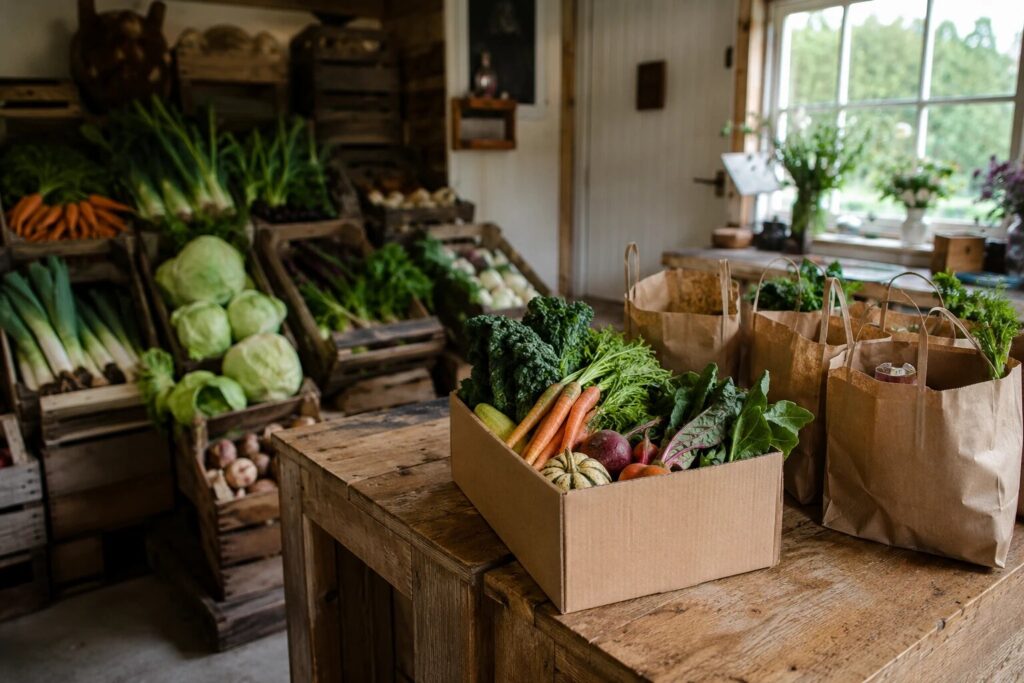
The catalogue problem kills most farm-shop web projects: by the time the site is “finished”, the stock has moved on. The workable pattern is a short list you edit weekly, not a big one you built once. A dozen products is plenty: this week’s veg box, eggs, whatever is in glut, the freezer staples.
BoxCart lets each product sell the way you actually sell it:
- By weight for loose produce: potatoes per kg, in steps customers can pick (1kg, 1.5kg, 2kg), with a minimum and maximum you control.
- By pack for the things nature packages: eggs by the half-dozen or dozen.
- By unit for a veg box, a chicken, a jar of honey.
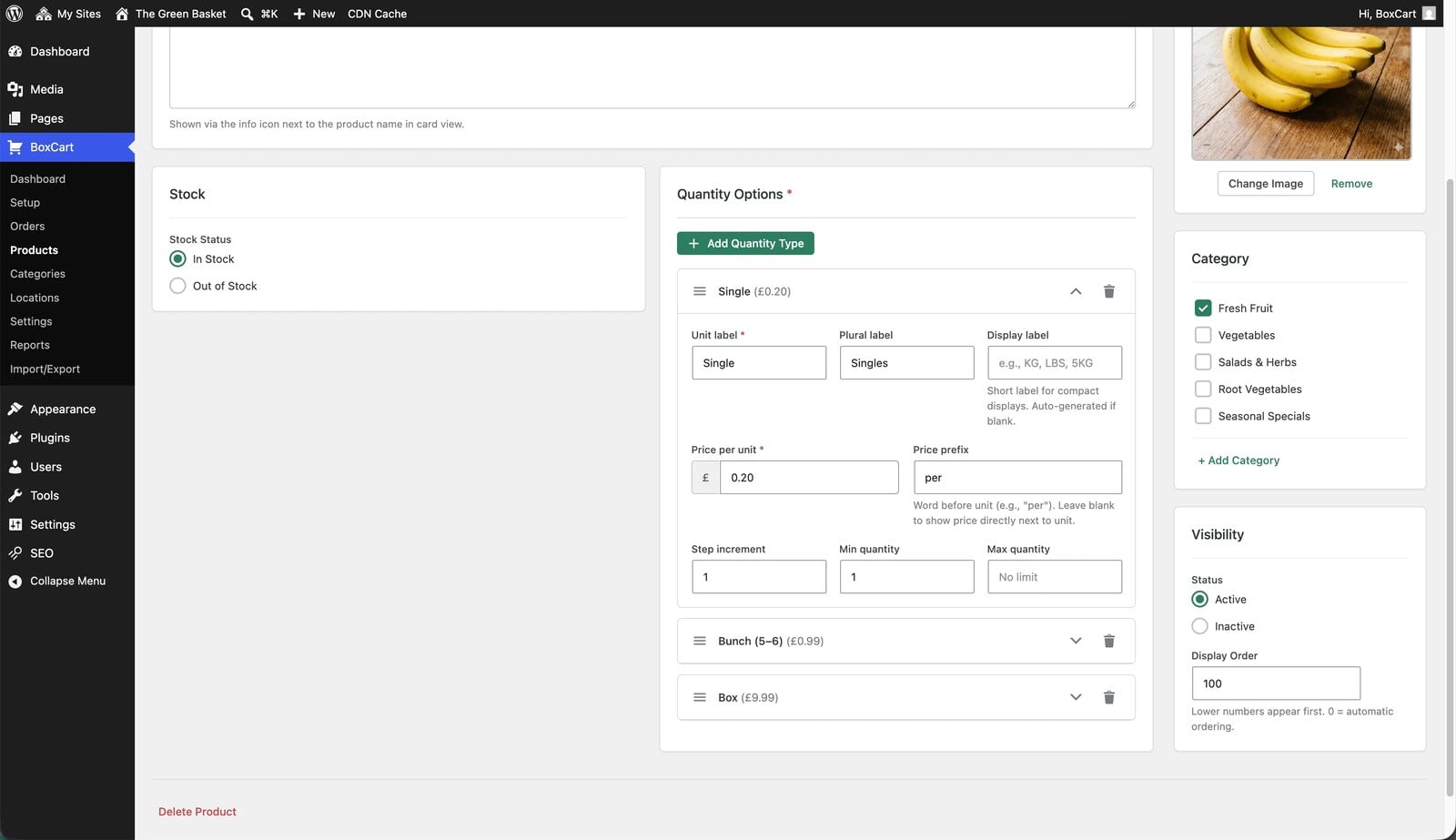
When the strawberries arrive, adding them is one product with one photo, and when they finish you untick them. The glut week is exactly when this earns its keep: an email to your regulars saying “10kg boxes of tomatoes this week only, order for Saturday collection” turns surplus into sales instead of compost, and the slot caps stop Saturday drowning under the response.
Payment that suits the farm gate
Plenty of farm-shop trade is still cash at the counter and bank transfer from the regulars, and BoxCart treats both as first-class: cash on collection and bank transfer are built into the free version, so you can take orders online tonight without touching a card processor. When you want cards, BoxCart Pro adds Stripe with Apple Pay and Google Pay, which suits bigger-ticket orders like a quarter of beef, where being paid at the moment of ordering is worth a lot.
What your customers get
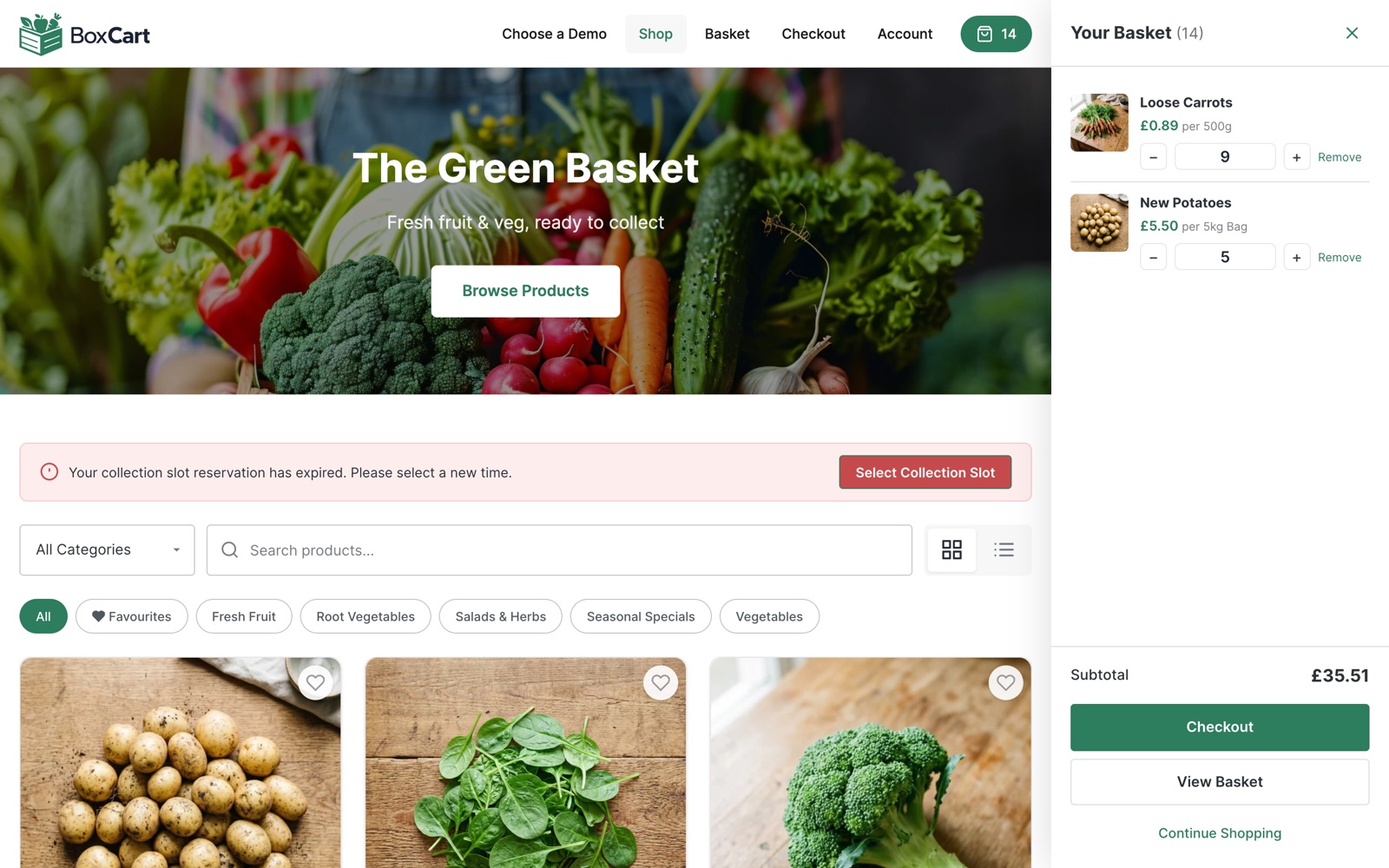
A clean storefront with photos and search, a basket, and a checkout whose main question is “when are you coming?”. Guest checkout is the default, so the passing visitor who found you on holiday can order a box without creating an account, and the confirmation email carries a secure link to view the order without logging in. Regulars who want their weekly order faster can make an account when it suits them, after they have bought, not as a toll before.
When the farm outgrows the basics
The free version runs a real farm shop. A few Pro additions map neatly onto how farms grow:
- Sales reports show what actually sells and when, which is worth seeing before you decide how much to plant, rear, or buy in next season.
- Per-date capacity overrides handle pumpkin season and the Christmas veg-box rush: raise the caps for the big weekends, then let the schedule fall back to normal.
- Scheduled closures switch off collection for lambing week, the January deep-clean, or the family holiday, months in advance, so nothing gets booked for a day nobody is there.
- Multiple locations let a second collection point (the farmers’ market stall on Sundays, a partner shop in town) run its own days, slots, and caps.
The Thursday test
If you’re a UK farm shop and would rather not set it up yourself, our Click & Collect Websites service does it for you: we build the ordering shop, load this season’s products and host it, alongside the website you already have.
Here is what the setup should feel like when it works. It is Wednesday evening, the boxes are packed, and tomorrow’s list is already on the screen: fourteen collections between ten and four, spread out, each one paid or promised, each customer told where to park. Nobody has answered the phone in the milking parlour, and the tomato glut is sold. That is a few hours of setup with the free version of BoxCart: one location, your real opening days, a dozen products sold by the kilo, the pack, and the box. If you want to see the shape of it first, wander around the fresh produce demo shop and place a pretend order, then build yours.
Add local pickup to your shop
BoxCart is free on WordPress.org, a complete pickup-ordering store with time slots and no WooCommerce required.
Rather we set it all up for you? Click & Collect Websites builds, hosts and looks after your ordering shop.