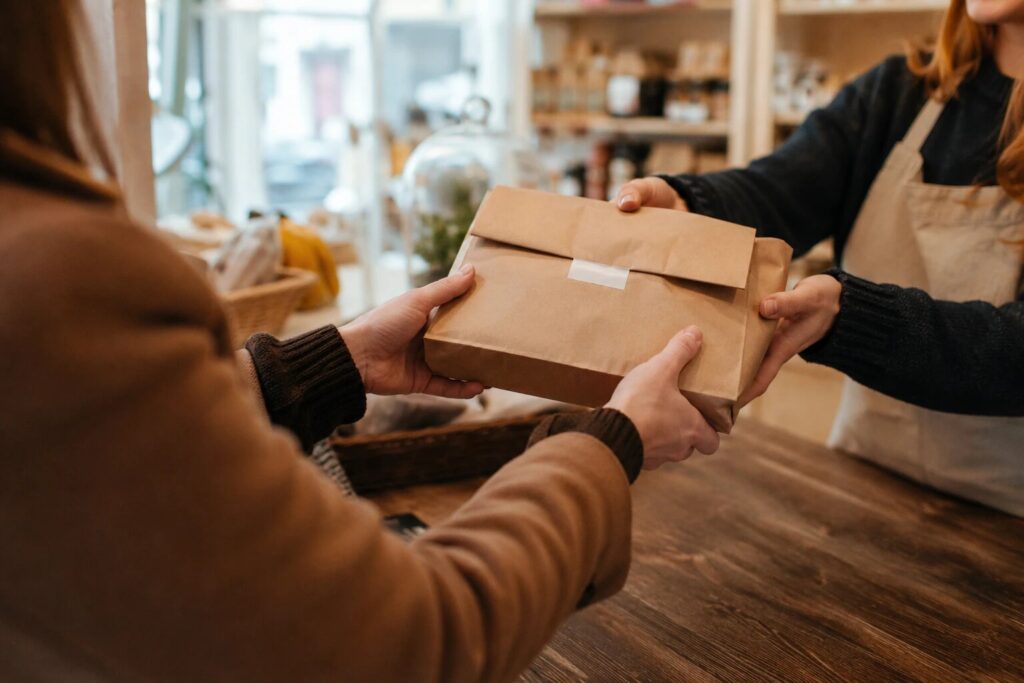
You have decided to let customers order online and collect in person. Good decision. Now comes the oddly stressful bit: what do you call it on your website? Click and collect? Local pickup? Order ahead? It feels like a naming quibble, but it is really a findability decision. Search engines match the words people type against the words on your page, and shoppers in different countries type different words for this exact service. Pick the label your customers never use and they can drive past your shop every day and still not find you online. Pick the one they type and you turn up at the moment they go looking.
The good news is that these terms almost all describe the same thing, so you are not choosing between different services, only different labels. Here is what each one means, which ones your customers actually type, where the words should go on your site, and the one term you should leave off entirely.
Do they all mean the same thing?
For the most part, yes. Click and collect, local pickup, store pickup, and order ahead all describe one workflow: the customer orders online, then collects the order in person at a time that suits them, instead of having it delivered. The mechanics are identical. What differs is mostly geography and habit, which is exactly why the label matters for being found.
There are a couple of terms that are genuinely different, though, and it is worth being clear about them so you do not promise something you do not offer.
The terms, in plain English
| Term | Where it’s used | What it means |
|---|---|---|
| Click and collect | UK, Ireland, Australia | Order online, collect in store. The default phrase for British shoppers. |
| Local pickup | US, and software generally | The same thing: order online, pick it up in person. The most common term worldwide and in apps and plugins. |
| Store pickup | US | A close cousin of local pickup, same meaning. |
| Order ahead | Food and drink | Order now, collect later. Common for cafes, bakeries, and takeaways. |
| BOPIS | Retail industry jargon | “Buy Online, Pick up In Store.” The same idea, dressed up for boardrooms. Nobody searches this but analysts. |
| Curbside pickup | US | A different thing: staff bring the order out to the customer’s car. Not the same as collecting inside. |
So the crowd of terms is really one service (order online, collect in person) wearing different regional coats, plus curbside, which is its own thing where the order comes to the car rather than the customer coming to the counter.
What your customers actually type
The rule is simple: use the words your customers would use across the counter. That is usually decided by where they live.
- UK, Irish, or Australian shoppers? Lead with click and collect. It is what they say out loud and what they search. A Norwich deli whose homepage says “local pickup available” is speaking American to an audience that has never once typed those words.
- US shoppers, or a mixed and international audience? Lead with local pickup. It is the more universal term, and the one most software, app stores, and plugin directories use.
- Cafe, bakery, or takeaway? “Order ahead” is worth working in alongside either of the above, because hungry customers think in terms of the food being ready, not the logistics of collecting it.
Then do the sensible thing and mention both main terms. There is no rule that says you must pick one, and a line like “click and collect (local pickup)” means you turn up whichever phrase a customer searches. You are not diluting anything; you are casting a slightly wider net for the same service.
Where the words should actually go
Choosing the term is half the job. The other half is putting it where both customers and search engines will read it. Work through these spots, it takes about twenty minutes:
- Your page title and main heading. “Click and collect from our Norwich shop” beats a bare “Shop” or “Order online”. This is the strongest signal a page sends about what it offers.
- The navigation label. The menu item should say what customers get, not what the page is. “Click & Collect” as a nav item does more work than “Shop”.
- The first paragraph of your shop page. One plain sentence: “Order online and collect from us on [street], usually the same day.” That sentence quietly carries the term, the place, and the promise.
- Your Google Business Profile. Tick the in-store pickup attribute and mention collection in your business description. When someone searches “click and collect near me”, this listing is what Google actually shows them.
- The mention-both line. Somewhere natural on the page, use the other term once: “click and collect (also called local pickup)”. Done once, it reads as helpful; done in every paragraph, it reads as keyword stuffing, so once is plenty.
The one term to leave off
Unless you genuinely walk orders out to customers’ cars, do not put “curbside” anywhere on your site. It is not a synonym; it is a specific promise that the customer will not have to leave the driver’s seat. Advertise it without offering it and the first thing an annoyed customer does after sitting in your car park for five minutes is come inside and tell you about it. The second thing they do is not come back.
Does the wording change what software you need?
No, and this is worth knowing before you buy anything. Whatever you call it, the machinery is the same: a storefront, a basket, a checkout where the customer picks a collection time, and a list of orders for you to work through. The label on the tin is a marketing choice, not a technical one.
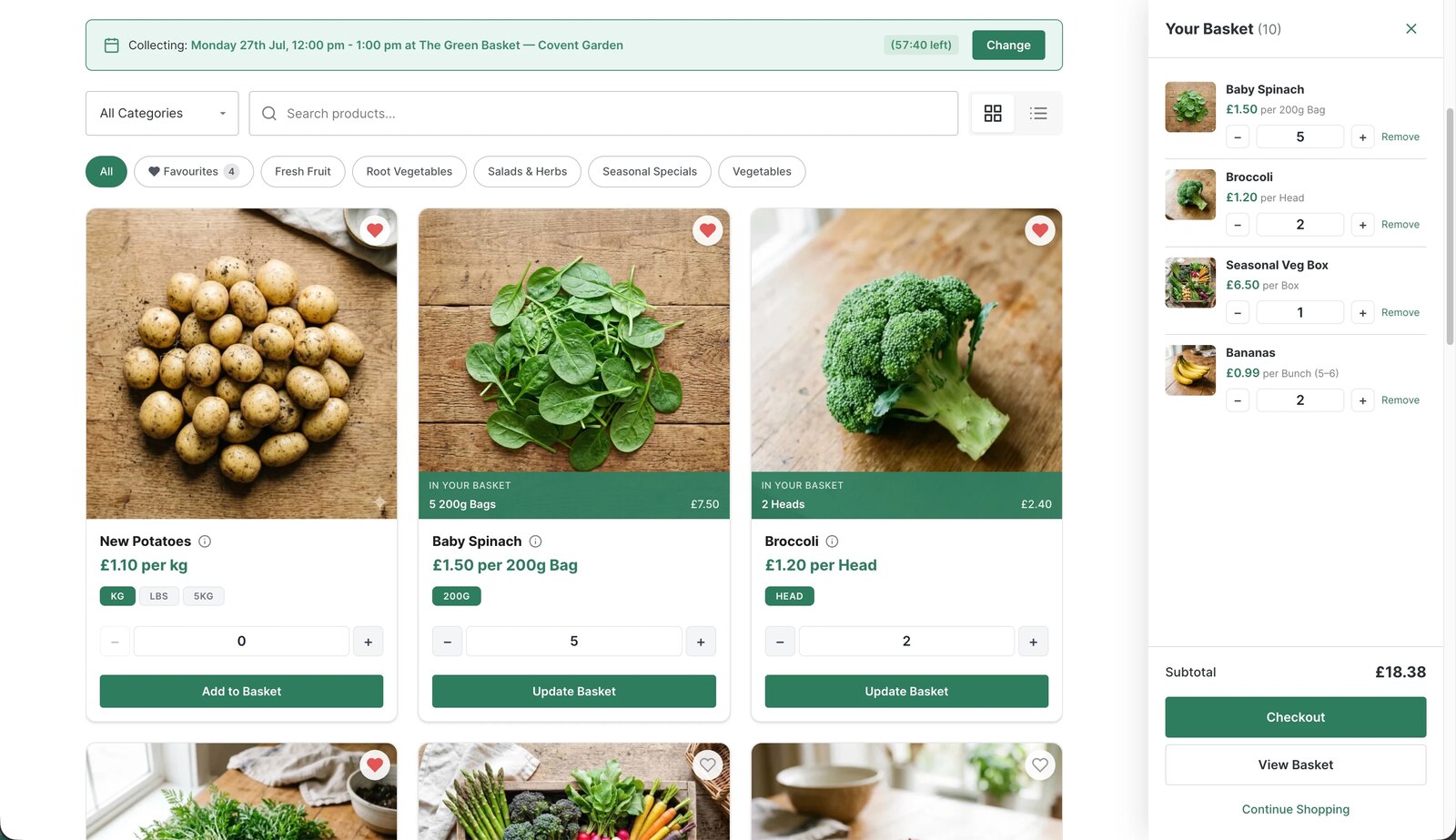
It is exactly the workflow BoxCart was built for. It is a free WordPress plugin that gives you the storefront, collection time slots with per-slot limits, and the order dashboard, without needing WooCommerce underneath. And because every heading, page title, and menu label on your site stays yours to edit, you can badge the service click and collect, local pickup, order ahead, or all three, and BoxCart works the same underneath. The setup wizard creates your Shop, Basket, and Checkout pages in one click, and renaming a page to “Click & Collect” takes as long as typing it.
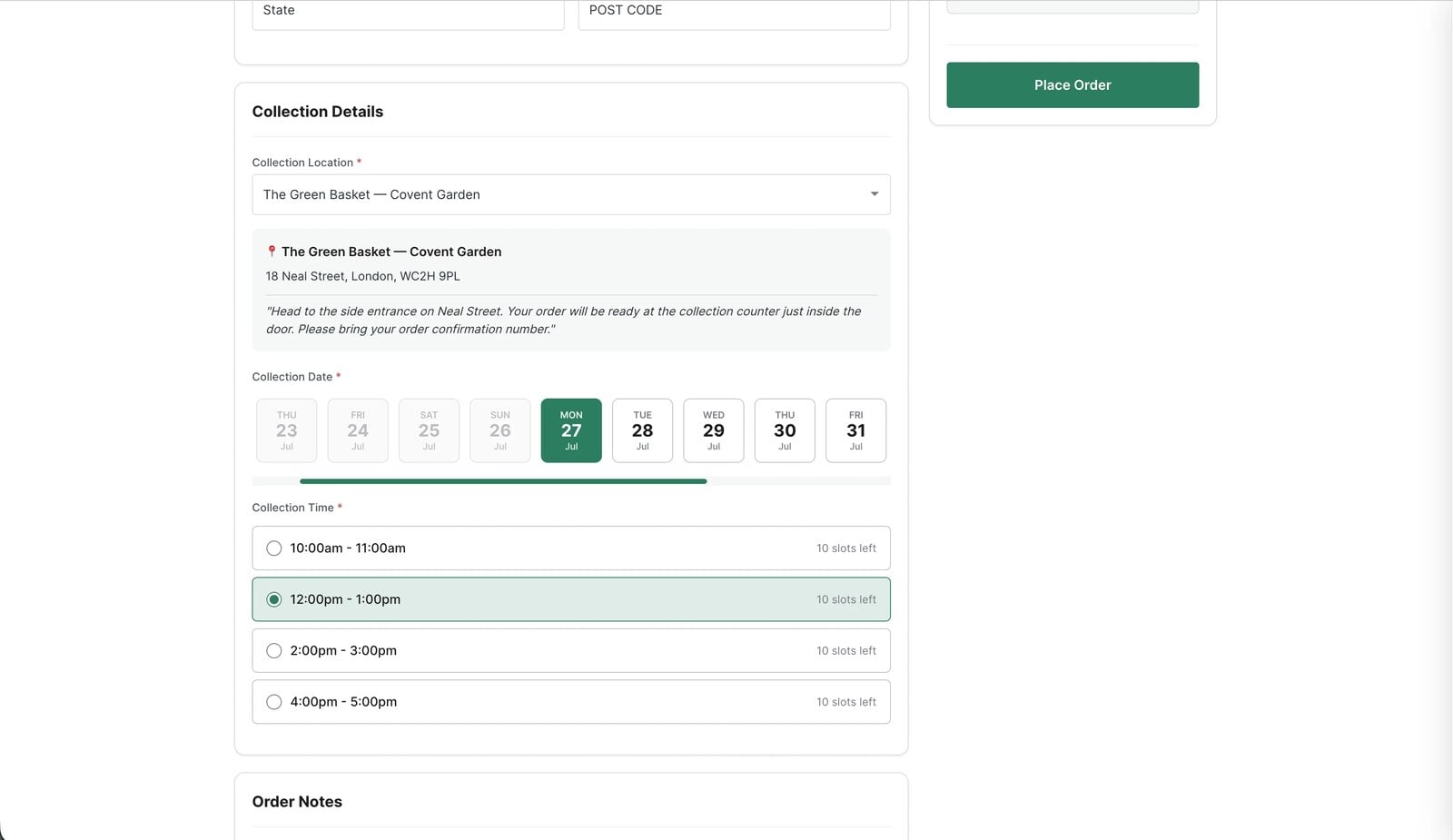
The only claim you will not find anywhere in BoxCart is curbside, because car-side handoff is not something it does, and we would rather be accurate than search-friendly on that one.
Decide once, then get it live
Spend ten minutes on the decision, not ten days: click and collect for a British, Irish, or Australian audience, local pickup for an American or international one, the other term mentioned once, curbside nowhere. Then put the words in your page title, your menu, and your Google Business Profile, and move on to the part that actually wins customers, which is taking orders smoothly. If the ordering side is still on your to-do list, our guide to adding local pickup to WordPress without WooCommerce walks through the whole setup, and the free version of BoxCart is enough to take your first collection order this afternoon, whatever you decide to call it.
Add local pickup to your shop
BoxCart is free on WordPress.org, a complete pickup-ordering store with time slots and no WooCommerce required.
Rather we set it all up for you? Click & Collect Websites builds, hosts and looks after your ordering shop.