
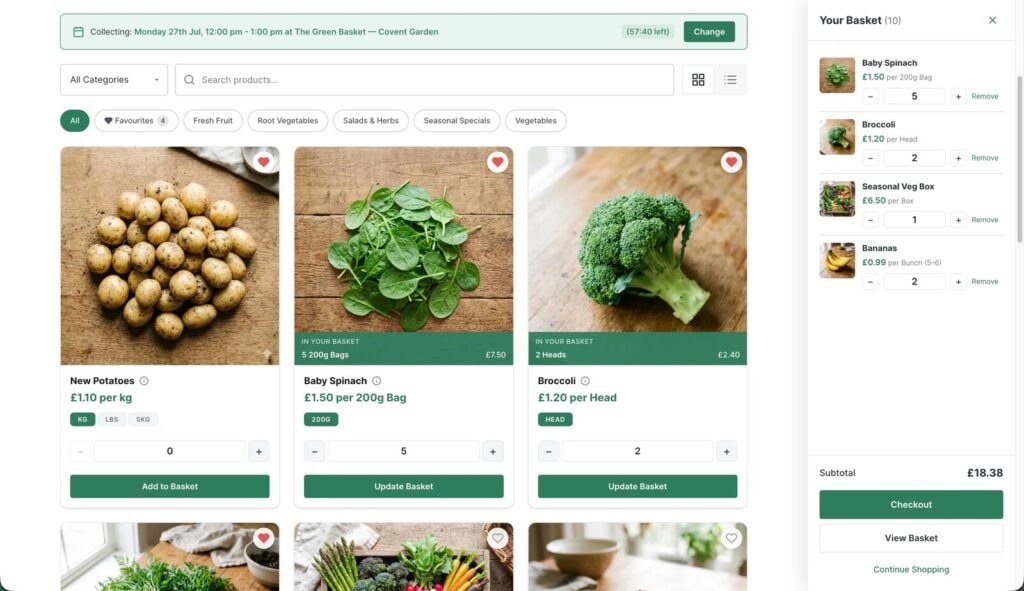
You built a lovely website on Squarespace, or Wix, or Shopify. You switched on local pickup, added your bread, your veg boxes or your sausages, and the first orders came in. Then Saturday arrived and so did all of them, at nine, because nothing on the checkout asked when they were coming. One customer typed “after 11 if poss” in the notes box. Another didn’t type anything and turned up at four, after you’d sold the last loaf you’d been keeping for her.
For a shop that sells things to collect, the time slot is the whole point. So it’s worth knowing what each platform actually does before you spend another weekend fighting it. Everything below was checked on each platform’s own help pages on 22nd October 2026.
The short answer
All three have local pickup built in. None of them lets the customer choose a pickup date and time slot in its standard store checkout. Shopify shows a fixed “usually ready in” estimate. Wix’s help centre says plainly, “It is not possible to let customers select a pickup time.” Squarespace’s says, “Customers can’t schedule a pickup time.” On Shopify and Wix, an app can add it. On Squarespace, you’re mostly into workarounds.
Why the slot matters so much for a food shop
A clothes shop can say “ready in two days” and nobody minds when you collect. Food doesn’t work like that. Bread is for a morning, a turkey is for the 23rd, and your counter can only hand over so many bags in half an hour while still serving walk-ins. What you really need is four things working together: customers choose a day and time, each slot takes a limited number of orders, orders close at a cut-off you can prepare for, and the days you’re shut can’t be booked. Keep those four in mind as we go through each platform.
Shopify
Shopify’s pickup in store is solid as far as it goes. You choose which locations offer pickup, customers pick a location at checkout, and you mark orders “ready for pickup”, which emails the customer. What customers can’t do is choose when. Each location has a processing time picked from a list (“Usually ready in 1 hour” up to “Usually ready in 5+ days”), and that estimate is what the checkout shows. There’s no slot, no limit per slot and no cut-off.
The Shopify App Store fills the gap, and some of the apps are very good. On 22nd October 2026, Zapiet’s Pickup + Delivery started at $49.99 a month, with limits on orders per slot from its $79.99 plan; Bird Pickup & Delivery Date was free for up to 10 orders a month, then $19.99; Local Delivery + Pickup: SE started at $19 a month, with slot limits from $49. Prices are from each app’s own listing. Selling by weight is the other gap: Shopify can display a unit price, but customers can’t order 0.6 kg of anything without another app or a list of variants.
Wix
Wix Stores has store pickup, including several pickup locations, and you can add an estimated time to a pickup option. But its help centre is explicit: “It is not possible to let customers select a pickup time.” It’s listed as a feature request, collecting votes. To be fair to Wix, its local delivery option does have a calendar with time slots; it’s only pickup that doesn’t.
Two other routes exist. Wix Restaurants Orders, a separate app, does schedule pickups properly, with time windows, order limits, lead times and closures, but it’s built around a restaurant menu rather than a shop’s product range. And the Wix App Market has date-and-slot apps from a few dollars a month, some with a limit per slot. On weight, Wix’s own page says “it is not possible to set a price per weight”.
Squarespace
Squarespace Commerce lets you offer pickup alongside shipping, with your address and instructions in the confirmation email. Its help article (last updated 7th August 2026) says: “Customers can’t schedule a pickup time.” The usual workaround is a date field on a custom checkout form. It works, in the sense that customers can type a date, but nothing checks it: no slot limits, no cut-off, and nothing stops someone choosing Christmas Day. Third-party datepicker plugins exist too, but they add a date to the product page rather than the checkout.
One platform that does it natively
In fairness, it isn’t true that no website builder schedules pickups. Square Online does: you set prep time, how far ahead people can order and how many pickups you can handle at once, and customers order for a time. According to Square’s UK plans page, ordering for a future date needs its Plus plan. If you’re starting from nothing and already use Square tills, it’s worth a look. Selling by weight works on Square’s till, though not in its online shop.
Side by side
| Shopify | Wix Stores | Squarespace | Square Online | BoxCart | |
|---|---|---|---|---|---|
| Local pickup built in | Yes | Yes | Yes | Yes | Yes |
| Customer chooses a date and time | With an app | With an app | No | Yes (UK: Plus plan) | Yes |
| Limit orders per slot | With an app (often a higher tier) | Some apps | No | Yes | Yes |
| Order cut-off | With an app | With an app | No | Yes | Yes |
| Block holiday dates | With an app | Some apps | No | Yes | Pro |
Checked on each platform’s help pages and app listings, 22nd October 2026. Apps and plans change, so check before you buy.
A third way: keep your website, add an ordering shop beside it
If you love your Squarespace or Wix site and only the ordering is wrong, you don’t have to move everything. The ordering can live on its own address, like shop.yourbakery.co.uk, with an “Order online” button on the site you already have. Your homepage, your photos and your blog stay exactly where they are.
That’s how BoxCart is often used. It’s a free WordPress plugin built only for collection orders, so the four things above are the core of it, not add-ons: customers choose a collection day and time, each slot has a limit and closes itself when full, orders close at your cut-off (a lead time, or a set time like 2pm the day before), and you choose how far ahead people can book. Products sell by the item, the pack or the kilo, in steps you set, and you can hide prices and let customers pay when they collect. BoxCart Pro adds card payments, several collection points, closures and special opening times for dates like Christmas Eve. BoxCart takes no per-order fees.
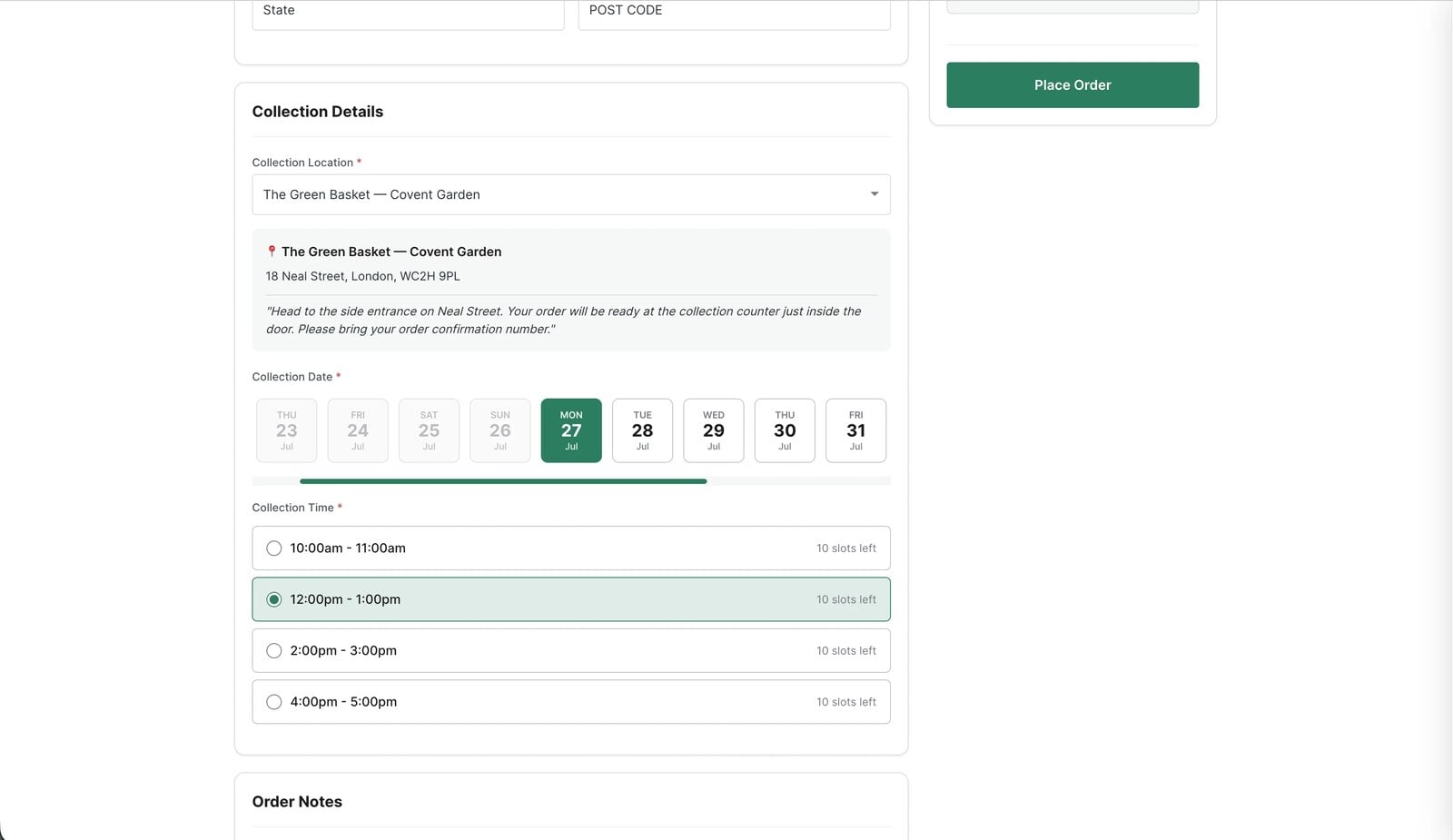
The honest catch: it’s WordPress, so someone has to set up WordPress on that address first, and look after it. If that someone is you, it’s an afternoon’s work, and the built-in setup guide does most of it.
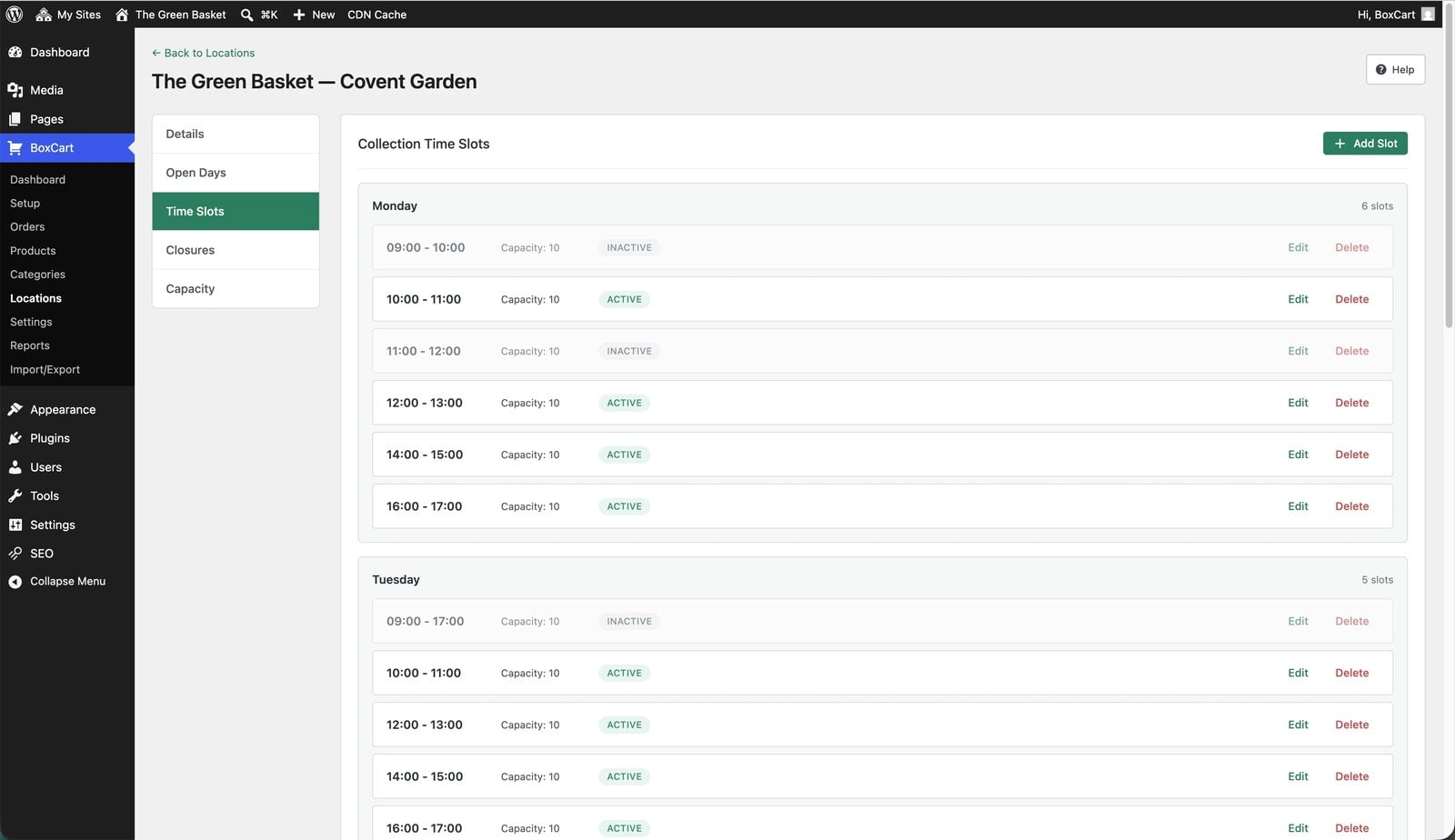
If you’re a UK shop and would rather not, that’s exactly what our Click & Collect Websites service is for. We set up the ordering shop at shop.yourname.co.uk, load all your products, host it and look after it, alongside the Wix, Squarespace or Shopify site you already have. You keep the website you like, and customers finally get to say when they’re coming.
Which to choose
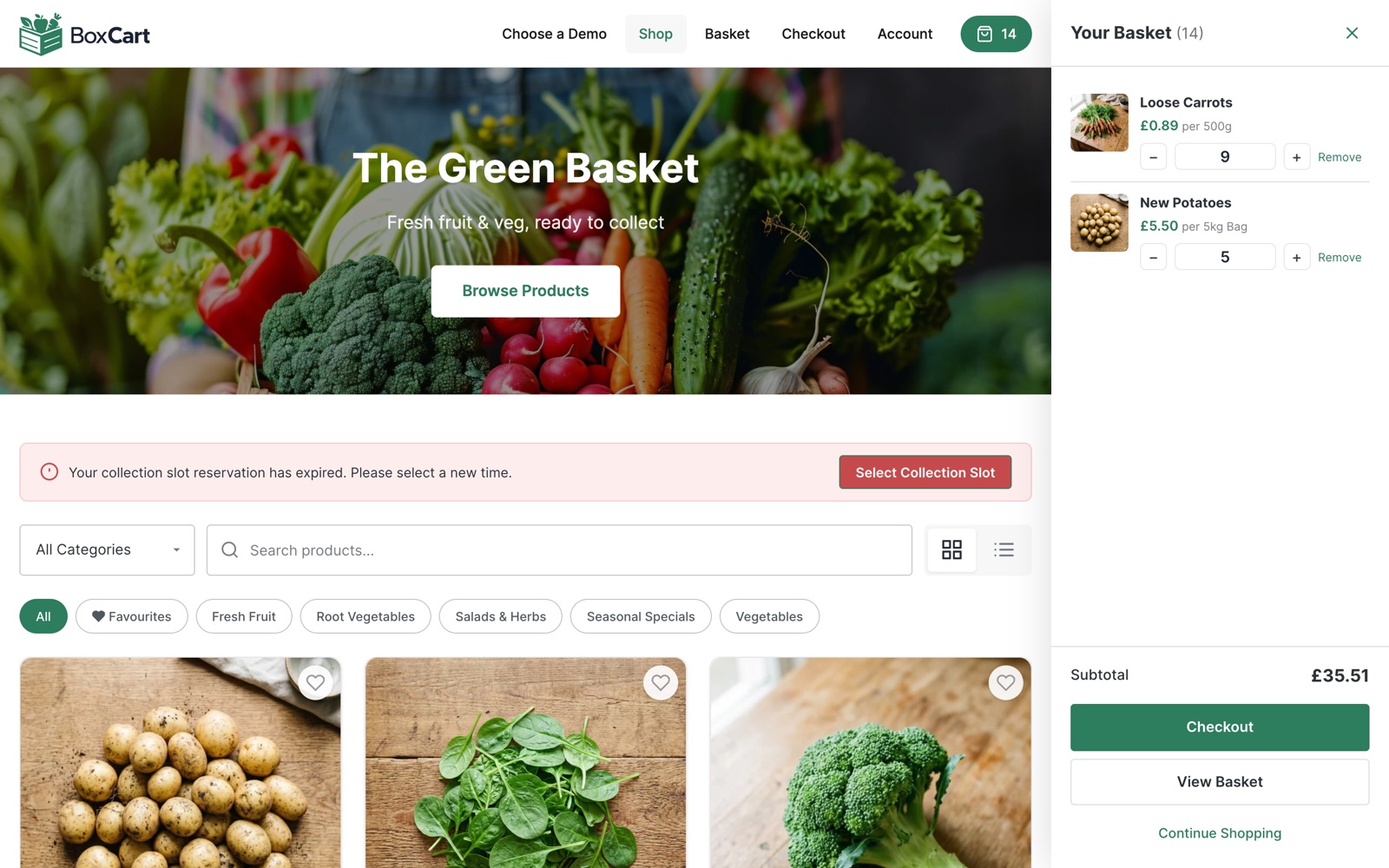
If you’re on Shopify and happy there, add a pickup app and pick the plan that includes slot limits; it’s the least disruptive fix. If you’re starting from scratch with Square tills, look at Square Online. If you’re on Wix or Squarespace and only the ordering is the problem, put the ordering beside your site rather than rebuilding the whole thing. You can try the customer side of a collection shop on our bakery demo: pick a slot, fill a basket, and see whether it’s what your Saturday needs.
Add local pickup to your shop
BoxCart is free on WordPress.org, a complete pickup-ordering store with time slots and no WooCommerce required.
Rather we set it all up for you? Click & Collect Websites builds, hosts and looks after your ordering shop.