Local pickup is a way of selling where customers order and pay on your website, then collect the order from your shop in person instead of having it delivered. In the UK the same service is usually called click and collect. Either way, the promise is identical: the customer gets the certainty of ordering ahead, and the shop keeps the sale, the margin, and the face-to-face relationship, without couriers, packaging, or delivery apps taking a cut.
That is the definition. What it misses is why local pickup has quietly become the most sensible way for a small food or retail shop to sell online, and what actually happens, hour by hour, when it is running well. If you own a bakery, butcher, greengrocer, farm shop, deli, or any counter where people already ask “can you put one aside for me?”, this is the guide.
How local pickup works, step by step
For the customer:
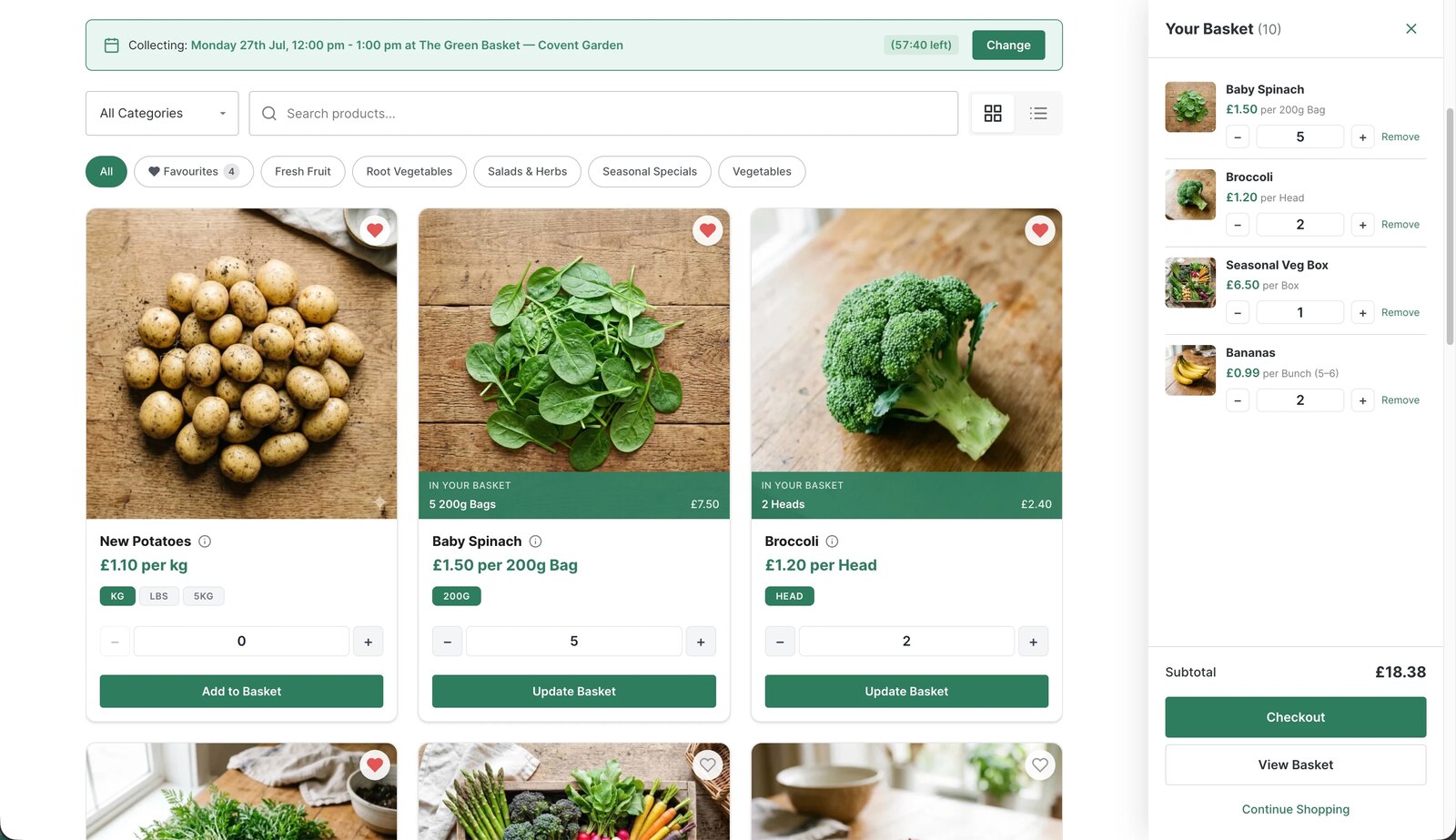
- They browse your online shop, from the sofa, the bus, or the office, and add what they want to a basket.
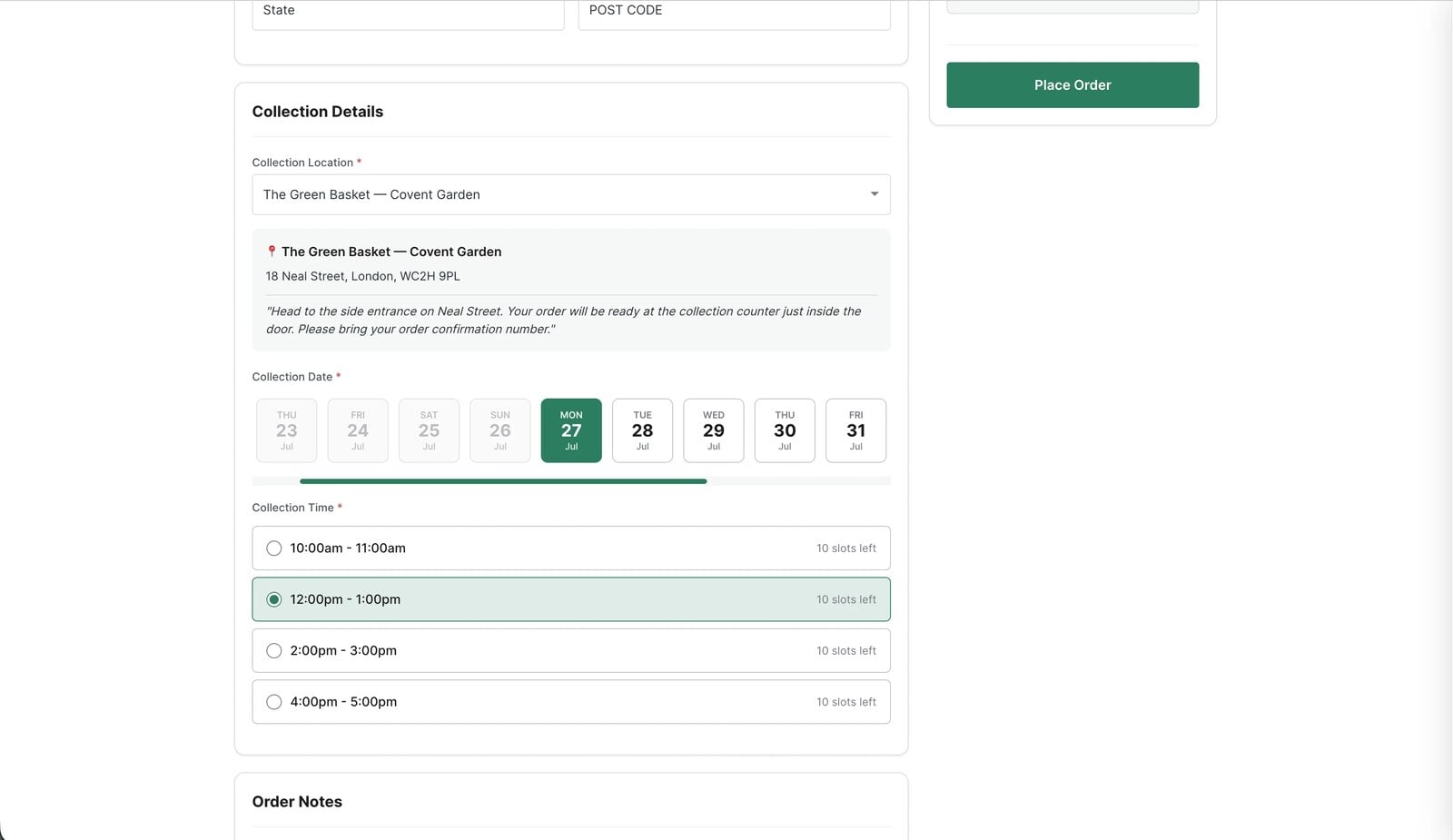
- At checkout they choose a collection time from the windows you offer, say Thursday between 4pm and 4:30pm.
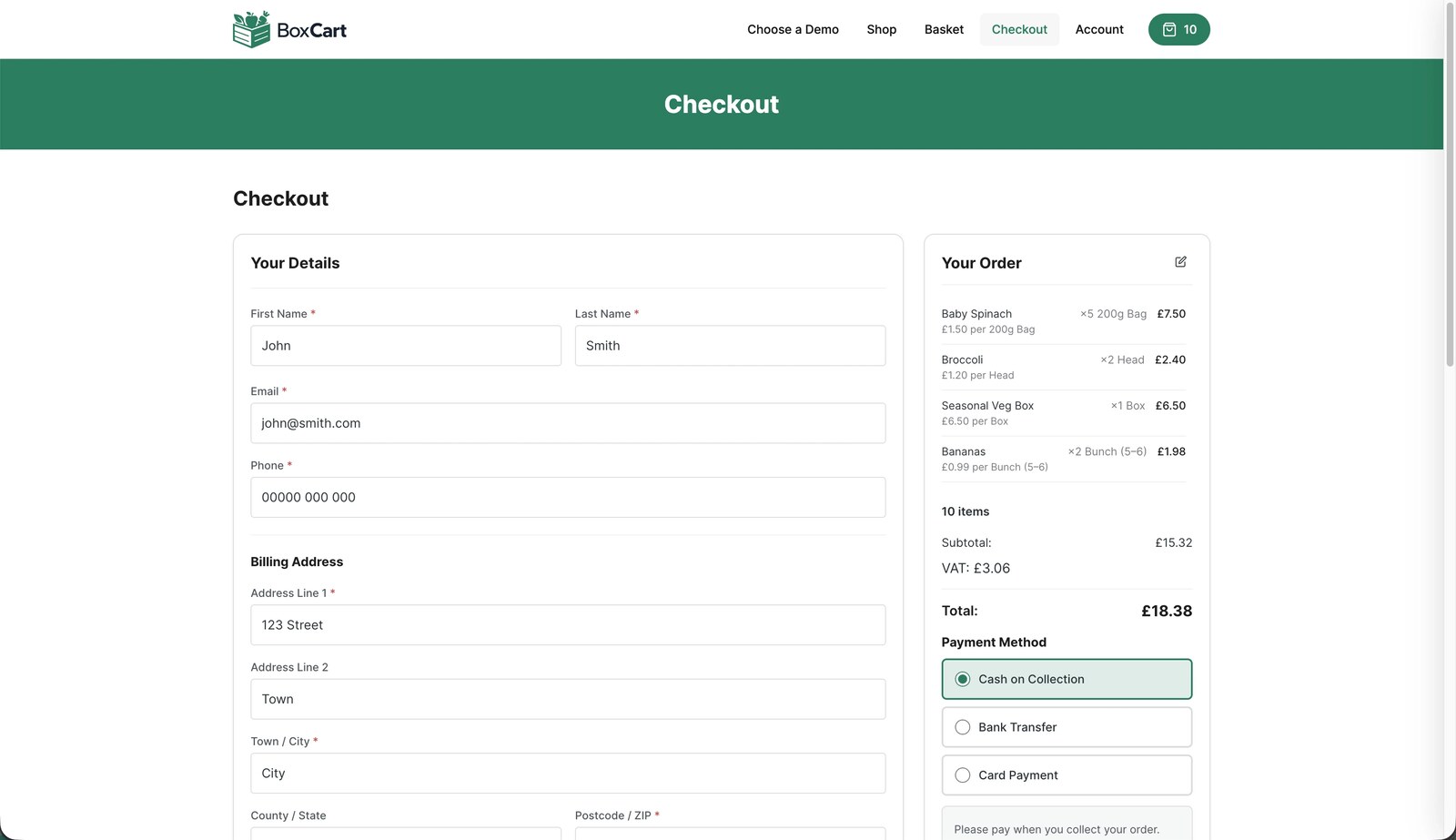
- They pay online, or choose to pay when they collect, depending on what you allow.
- They get a confirmation email with the items, the time, and where to come.
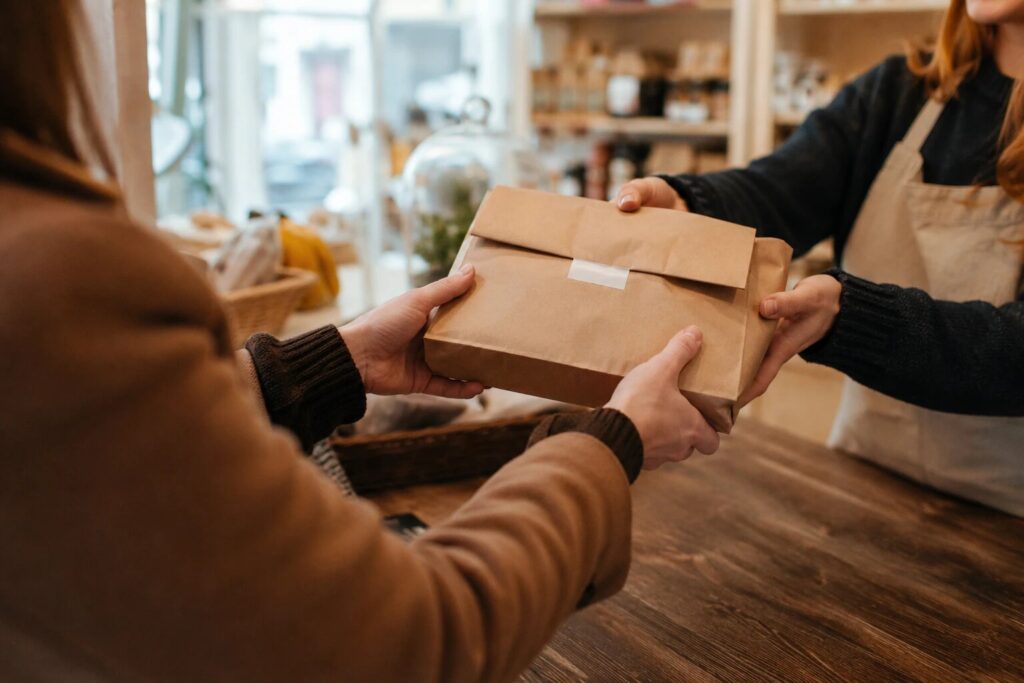
- They turn up, give a name or order number, take the bag, done.
For the shop, the same order looks like this: it appears on one screen, with a collection time attached, placed at 9pm the night before while you were watching television. Someone packs it in a quiet moment, marks it ready, and the customer is emailed automatically. At four o’clock the bag is on the shelf with a name on it. No phone was answered, nothing was misheard, and the sale happened while the shop was shut.
Why small shops offer it
- You keep the whole margin. Delivery marketplaces charge hefty commissions on every order; couriers charge per drop; packaging costs real money. A collected order costs you a bag.
- It captures orders you currently lose. Every unanswered call during a rush, every “I meant to come in but wasn’t sure you’d have any left” is a sale that ordering ahead would have banked.
- Perishables suit collection. Fresh food travels badly and needs someone home. Handing it over the counter, cold chain intact, suits both sides better than a van.
- Collection brings footfall. The customer who comes in for their order walks past everything else you sell. A delivery customer never does. Ask any shop that does this: the basket rarely leaves alone.
- It smooths your day. Orders placed ahead can be picked and packed in the quiet hours, and collection times spread the busy ones.
What you need to run it well
This is the part most explanations skip, and it is where local pickup succeeds or turns into chaos. Four things, none of them optional:
- Collection time slots with limits. “Collect any time” sounds friendly and creates a 5pm pile-up. Real slots, each with a cap on how many orders it holds, spread collections so the counter can breathe.
- A lead time. If orders need picking, baking, or cutting, the system should refuse collection times you cannot make. “Order by Wednesday for Thursday” should be enforced by the calendar, not by apologising.
- Payment options that match your trade. Some customers pay online by card; plenty of local trade prefers cash at the counter or a bank transfer. Offering pay-on-collection removes the last excuse not to order ahead.
- Automatic confirmations. The confirmation email, with the time and the “where to find us”, is what turns an intention into an appointment. It is also your best defence against orders that never get collected.
What it costs to offer
Less than you would guess, and possibly nothing. If your shop already has a WordPress website, BoxCart is a free plugin that adds the whole workflow: the storefront, the basket, collection slots with per-slot limits and lead times, products sold by unit, pack, or weight, guest checkout, confirmation and order-ready emails, and a dashboard showing the day’s collections in order. Cash on collection and bank transfer are included, so you can be taking orders without a card processor, a commission, or a monthly fee. The guided setup builds the Shop, Basket, and Checkout pages in one click, which is why a small shop can realistically go from nothing to a first test order in an afternoon.
Card payments up front (Stripe, with Apple Pay and Google Pay), multiple collection points, printable pick lists, and sales reports are in BoxCart Pro, when and if you want them. Plenty of shops run happily on the free version alone.
Common questions
Do customers pay online or in the shop? Whichever you allow. Pay-on-collection (cash, or bank transfer) suits regulars and keeps you fee-free; online card payment suits bigger one-off orders. Many shops offer both.
How long should we hold uncollected orders? Set a policy (24 to 48 hours is common), put it in your confirmation email, and send the “ready to collect” email the moment an order is packed. Most no-shows are simply people who were never reminded.
Is it the same as click and collect? Yes. Click and collect is the British name, local pickup the American and software-world name. Use the one your customers use; our guide to local pickup vs click and collect goes deeper on which to put on your site.
Do we need a new website? No. If you have WordPress, the ordering bolts onto the site you already own. That is rather the point: your shop, your site, your customers, no middleman.
Is local pickup right for your shop?
If people already ring to reserve things, if fresh stock sometimes sells out before the customers who wanted it arrive, or if your counter loses orders every time the phone rings mid-rush, then yes, almost certainly. The demand is already there; it is just arriving through the wrong channel. Try the flow yourself as a customer on our demo shop, then install BoxCart free and open your counter to orders. The first time a prepared order goes over the counter in thirty seconds flat, mid-rush, you will wonder why the phone ever had the job.
Add local pickup to your shop
BoxCart is free on WordPress.org, a complete pickup-ordering store with time slots and no WooCommerce required.
Rather we set it all up for you? Click & Collect Websites builds, hosts and looks after your ordering shop.